
How do I leave a Goodreads review?
If you're on the BookSirens review page, click Post Review on Goodreads. Otherwise, find the book on Goodreads.
-
On the Goodreads book page, scroll down and click Write Review
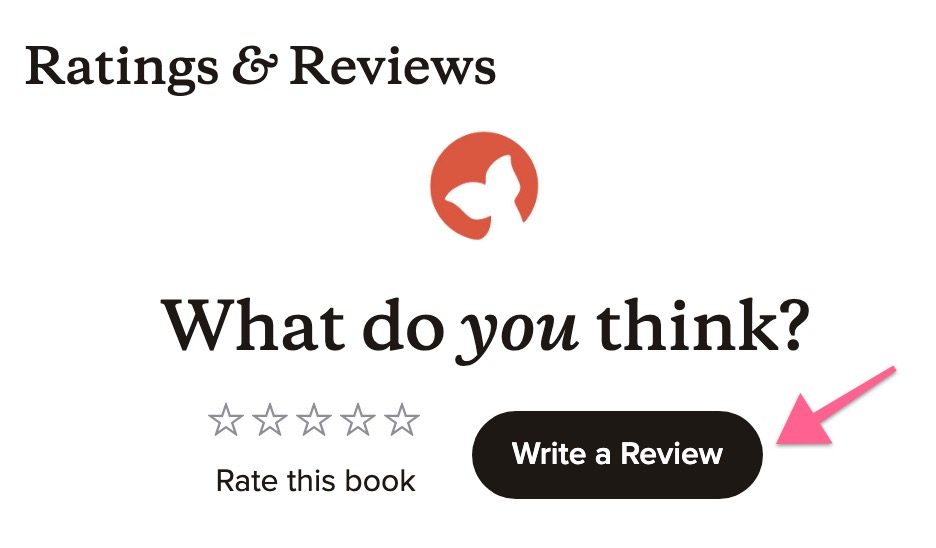
- This will take you to a new page which will ask for more details
-
Here, choose your review rating next to My Rating
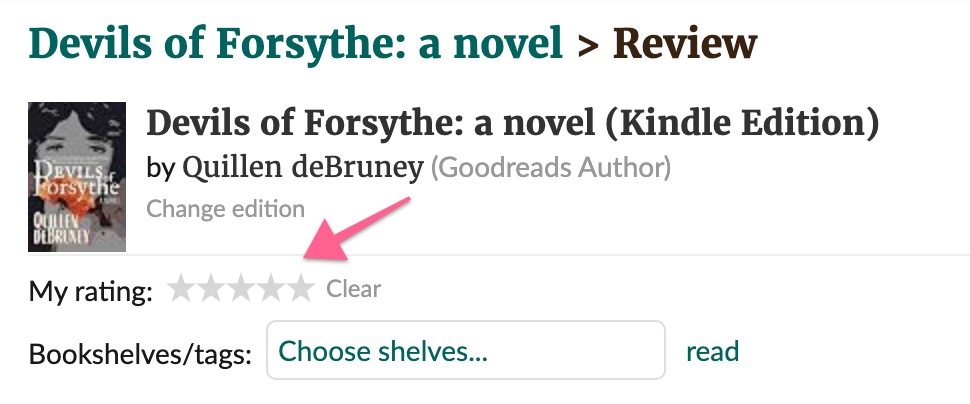
-
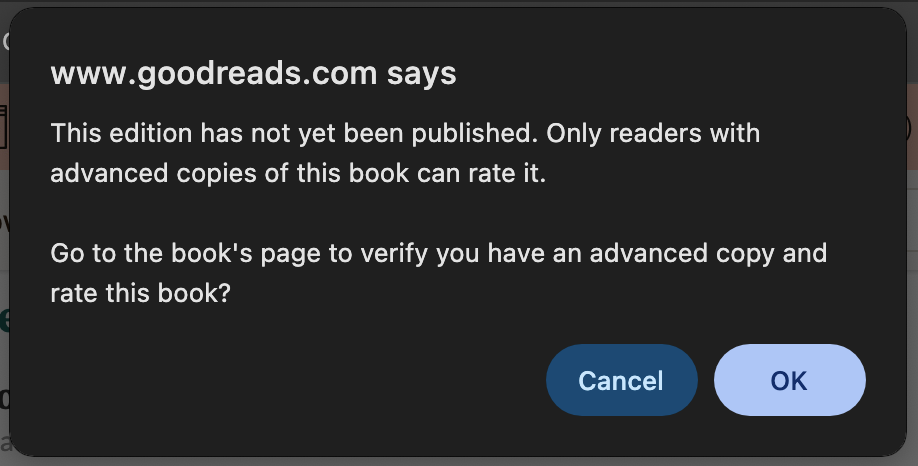
If this title has not been published, Goodreads may show a popup where you need to click OK. If this popup does not appear skip to step 8.
- Goodreads will redirect you to the book page where you will be asked for more details, like where you want to shelf the book and how you got the book
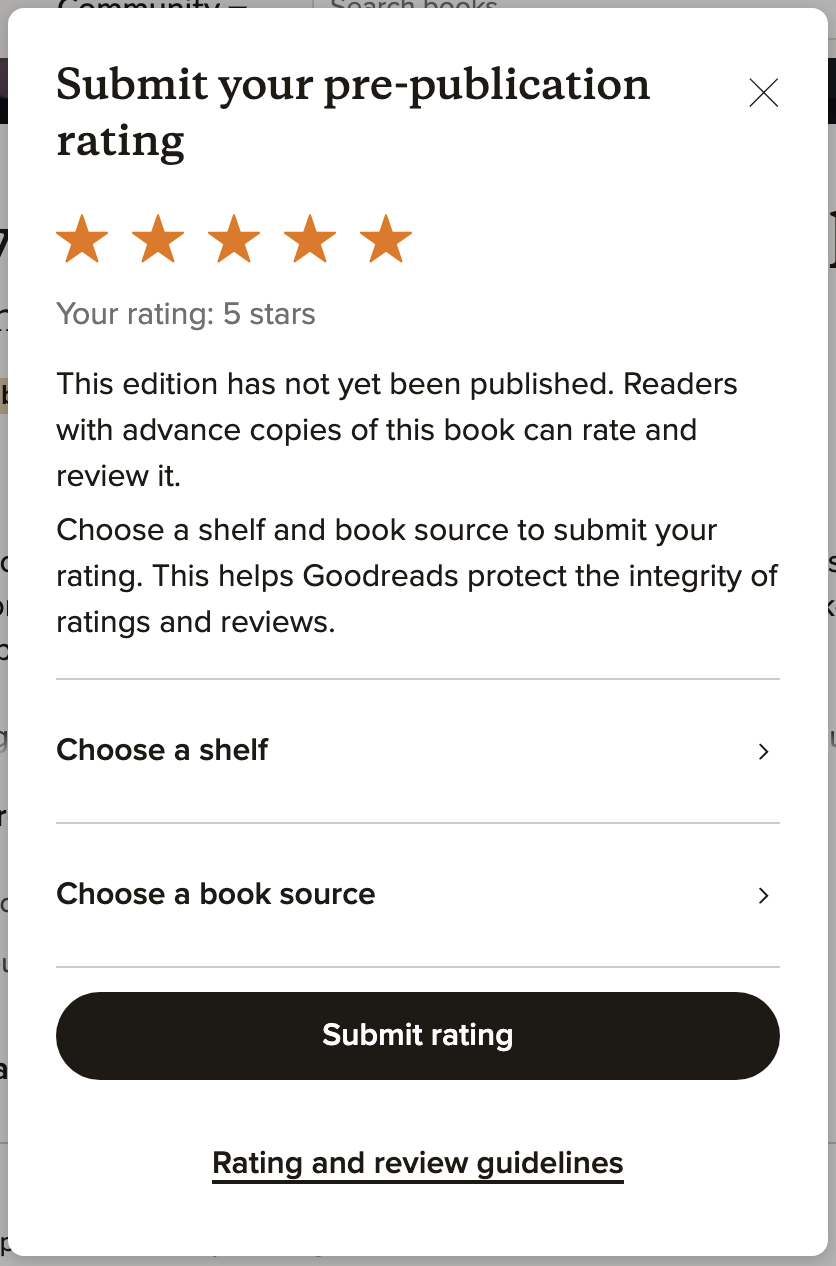
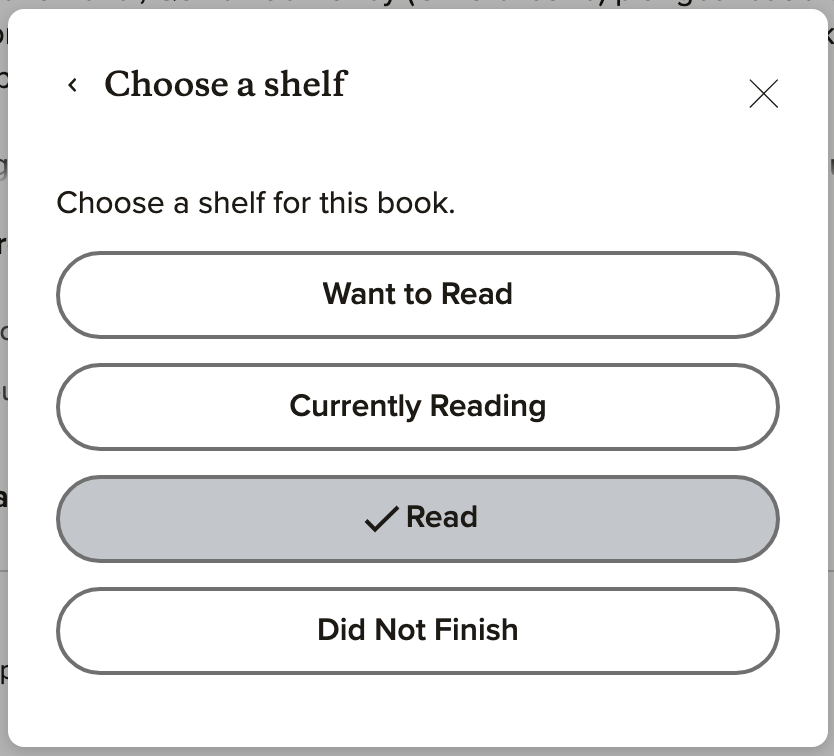
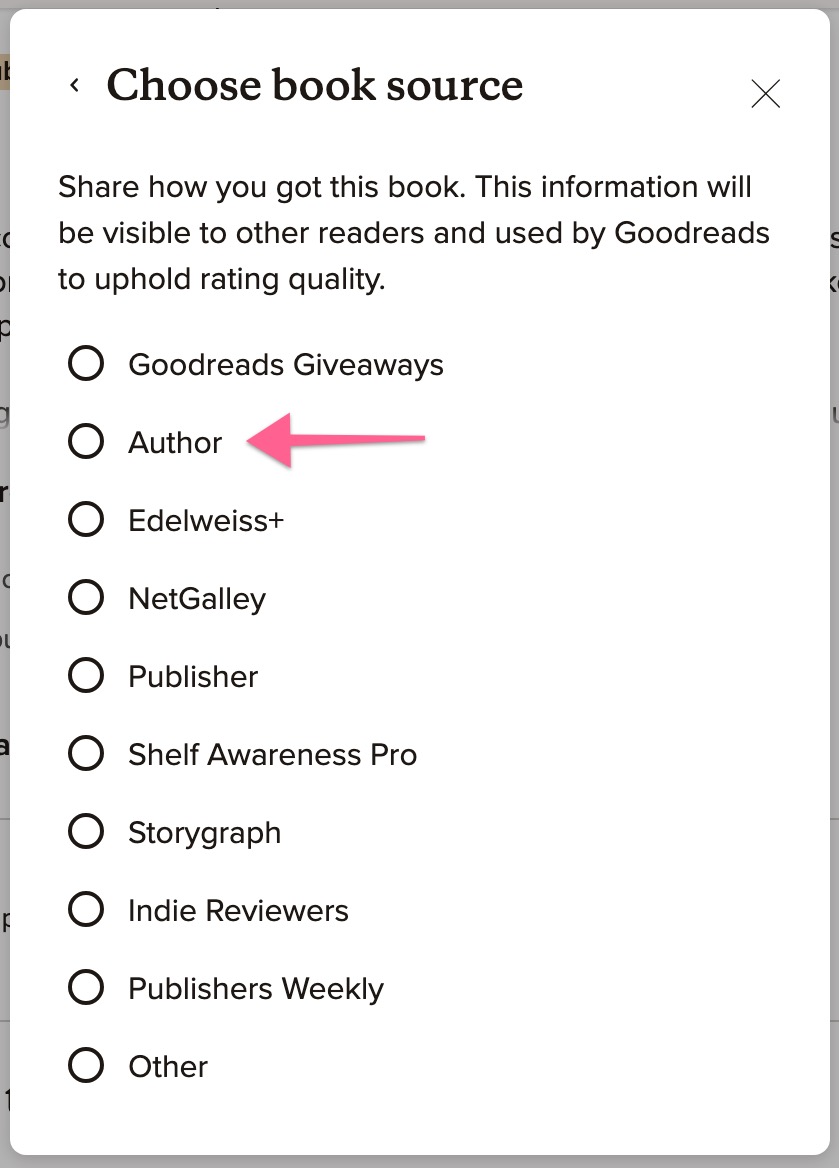
- After you've provided that information, click Submit Rating
- Click Write Review
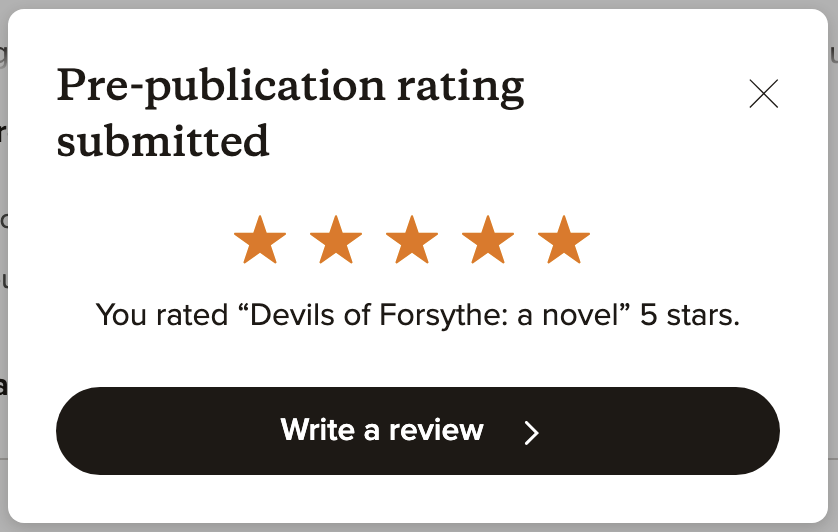
- This will take you back to the review details page. Here, write your text review or copy and paste what you wrote on BookSirens.
- Click Post at the end of the form